

Best Mac Mini M4 Accessories for Every Budget (2026)
著者: Doxmini Team
There's no shortage of "must-have Mac mini accessories" lists out there. TechRadar published one. Tom's Guide published one. We figured we'd do it differently: organized by budget, with honest notes about what you can skip.
Under $15
Anti-Shock Silicone Case ($12) — Soft-touch protection with precision cutouts. Good if you have pets, kids, or just don't want desk scratches. Available in blue, pink, and white.
Under-Desk Mount ($13.90) — Steel bracket that hides your Mac mini beneath the desk. Open-cradle design keeps the bottom vent clear. This is our best seller for a reason — it completely clears your desk.
$15–$20
Walnut Dust & Cooling Base ($15) — Handcrafted from American black walnut with a washable mesh filter. Looks beautiful. Honest note: wood doesn't conduct heat as well as aluminum, but the elevation and dust filtering are the real value here.
Monitor-Back VESA Mount ($15) — Tucks the Mac mini behind your display. Your desk looks empty. The tradeoff: port access requires reaching behind your monitor.
Hard-Shell Portable Carry Case ($16) — Compact protection for transport. Weighs 220g. Good for occasional trips, not daily commuting.
Aluminum Dust & Cooling Base ($18) — CNC-machined aluminum with mesh ventilation on all four sides. Better thermal conductivity than walnut. Choose this if performance matters more than aesthetics.
$20–$40
Drilling Platform Stand ($25.90) — A playful brick-built stand with a lever-action power button. It's fun. Not for everyone, but the people who love it really love it.
Aluminum Alloy Protective Case ($32) — Full-wrap aluminum protection with drop resistance. For people who are genuinely rough on their hardware.
Dedicated Portable Carry Case ($36.90) — EVA impact-resistant with sectional storage for the mini plus cables and accessories. This is the travel case.
$80+ — Expansion Docks
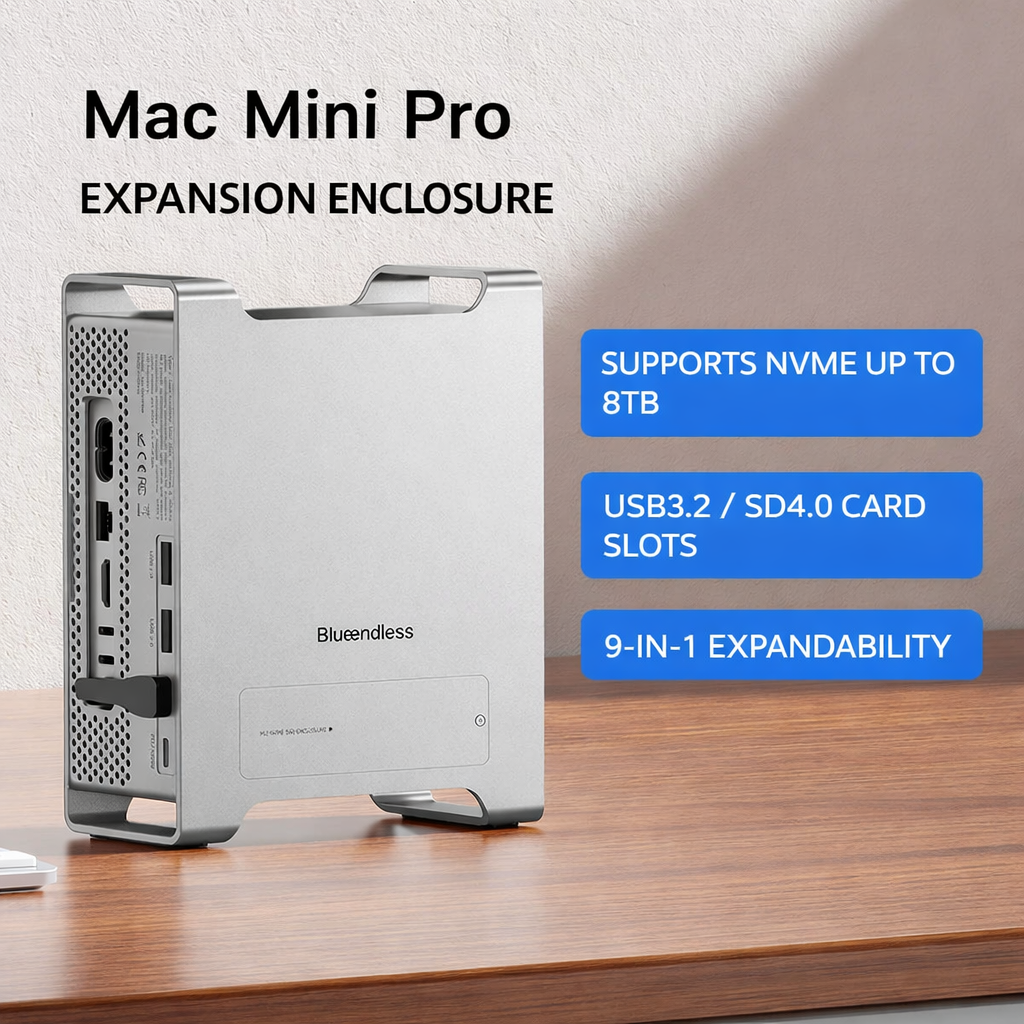
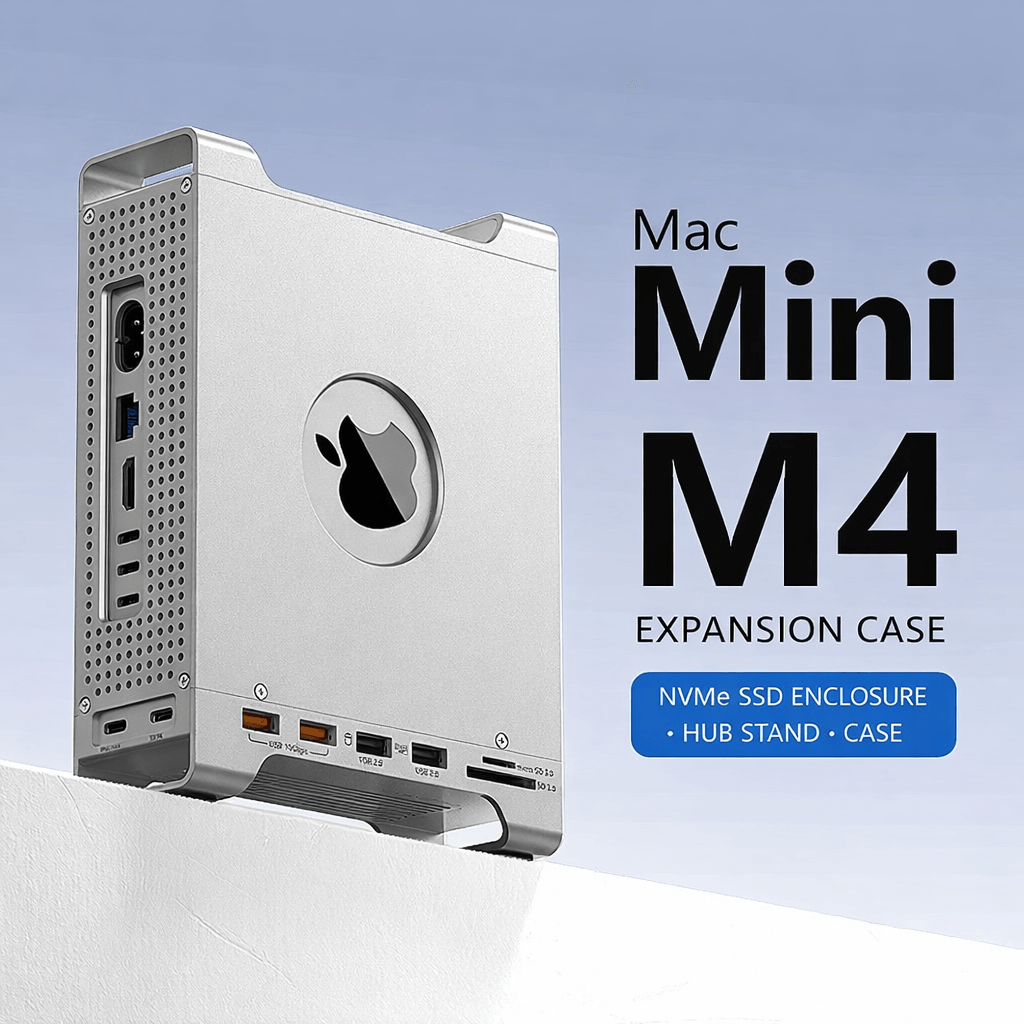
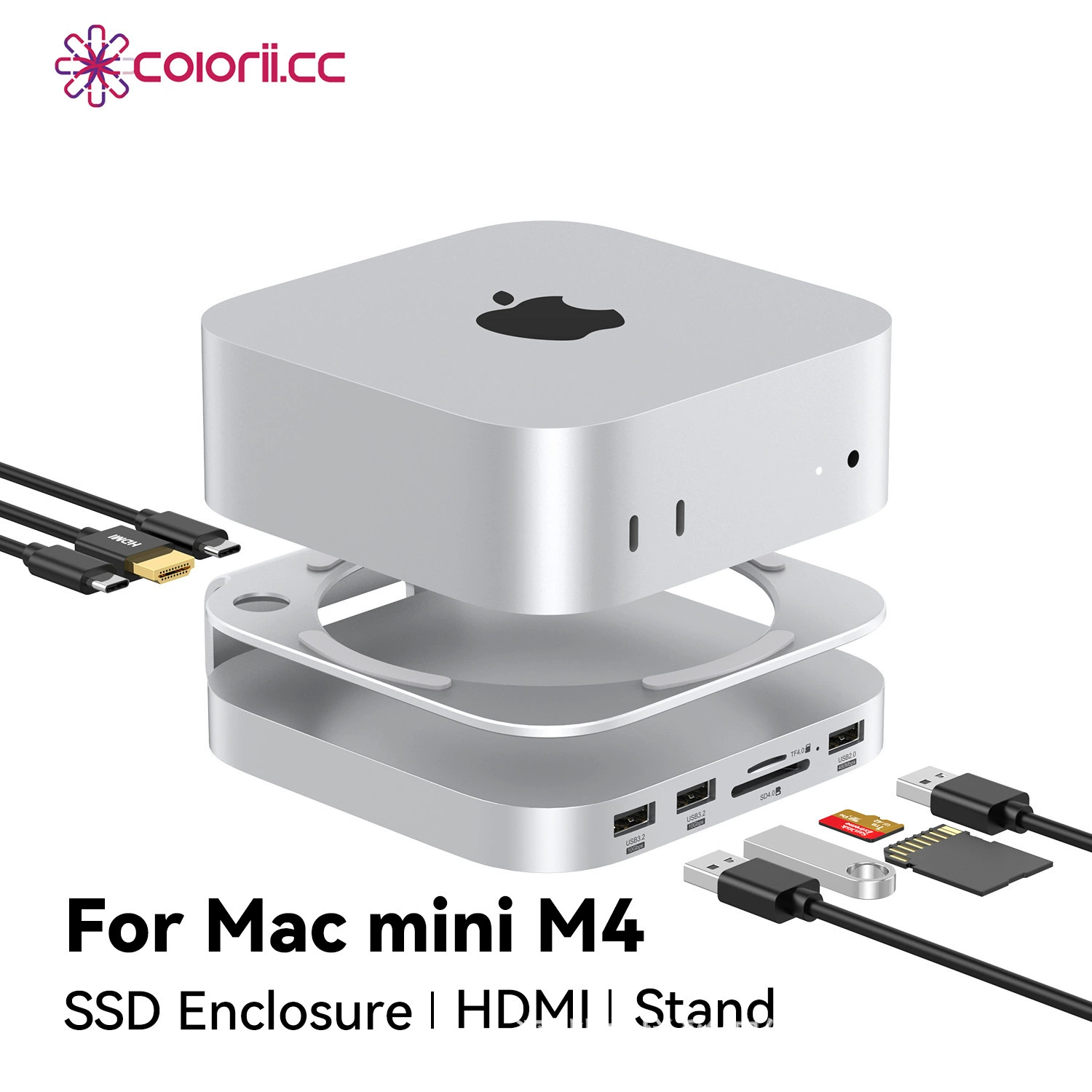
All three use USB 3.2 Gen2 at 10Gbps (~1,000 MB/s real-world) — plenty fast for backups, photo libraries, 4K video editing, and file transfers. Here's how they differ:
 |
 |
 |
|---|---|---|
| Expansion Enclosure ($94.90) | Expansion Case ($96) | SSD Stand Hub ($166) |
| 9-in-1 vertical stand. NVMe up to 8TB, USB 3.2 (10Gbps), SD4.0 | Protective case + hub. NVMe, USB 3.2 Gen2 ×2 (10Gbps) + USB 2.0 ×2, SD3.0/TF3.0 | The everything dock. M.2 NVMe/SATA (2230–2280), HDMI 4K@60Hz, USB 3.2 ×2 (10Gbps), SD4.0/TF4.0 UHS-II |
Need more speed? 10Gbps handles most daily work easily. But if you're doing heavy pro video (multicam 4K ProRes, 8K RAW) or need maximum NVMe throughput, look at a dedicated Thunderbolt 4 enclosure (40Gbps, ~3,000 MB/s) from CalDigit, OWC, or Acasis. The Mac mini M4 has 3× Thunderbolt 4 ports on the rear (Thunderbolt 5 on M4 Pro), so you can use a TB enclosure alongside any of our expansion accessories.
What You Can Skip
Not everyone needs everything. Be honest with yourself:
- Light users (email, web, documents): You probably don't need a cooling base. The Mac mini handles light loads fine on its own.
- Stationary setups (desk, never moves): Skip the carry case. A silicone case or nothing is fine.
- Minimalists (few peripherals): A $10 USB-C adapter might be all you need instead of an expansion dock.
The best accessory is the one that solves a problem you actually have.